
Download Koga Browser for iPhone from Apple’s App Store.
Download on the App StoreKoga for iPhone
A browser from Notavello
Less browser.
More browsing.
Koga keeps the essentials close: search, tabs, bookmarks, sharing, appearance, and a homepage you control.
Availability
Available on the App Store.
The essentials
Clear controls. Quiet interface.
Koga uses familiar iPhone patterns without filling the screen with extras.
Everyday browsing
Everything important stays one tap away.
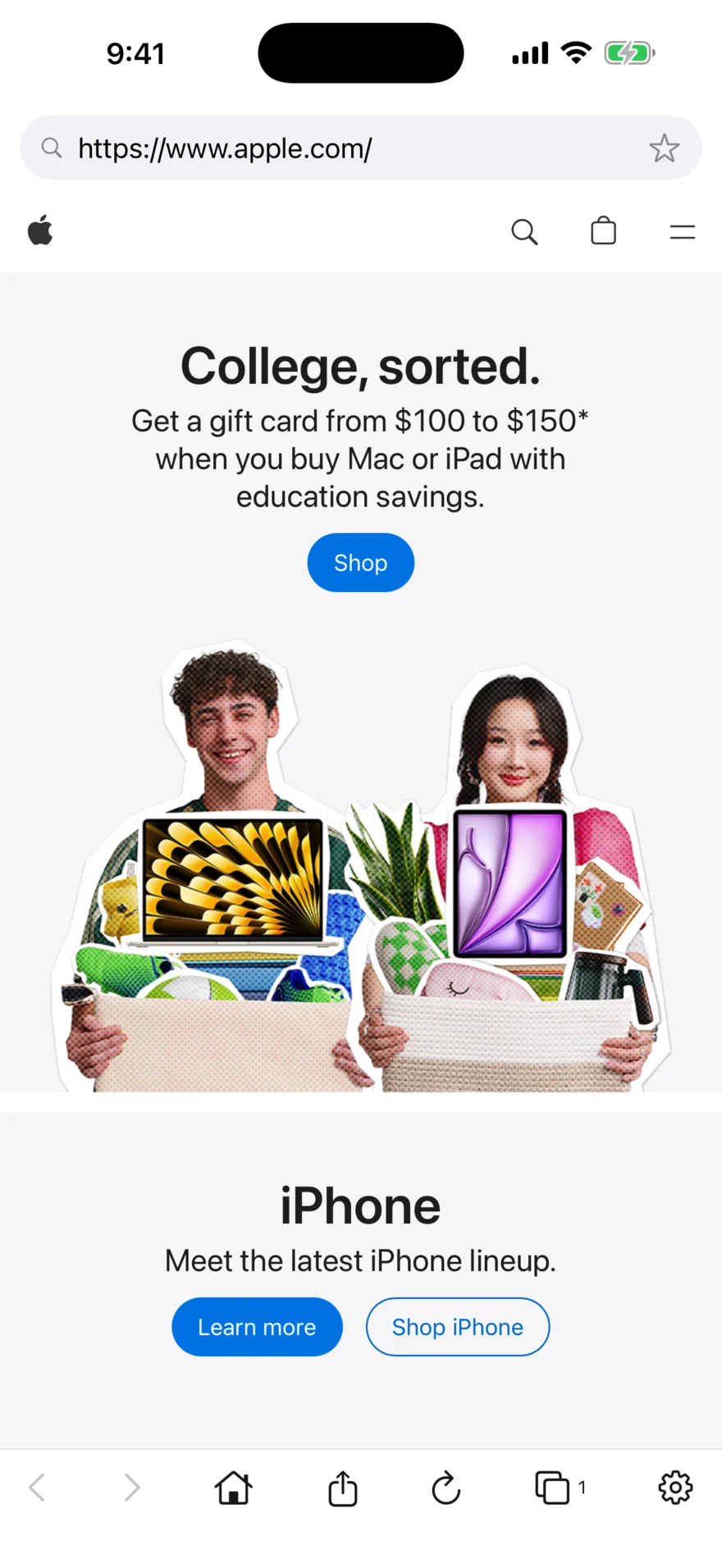
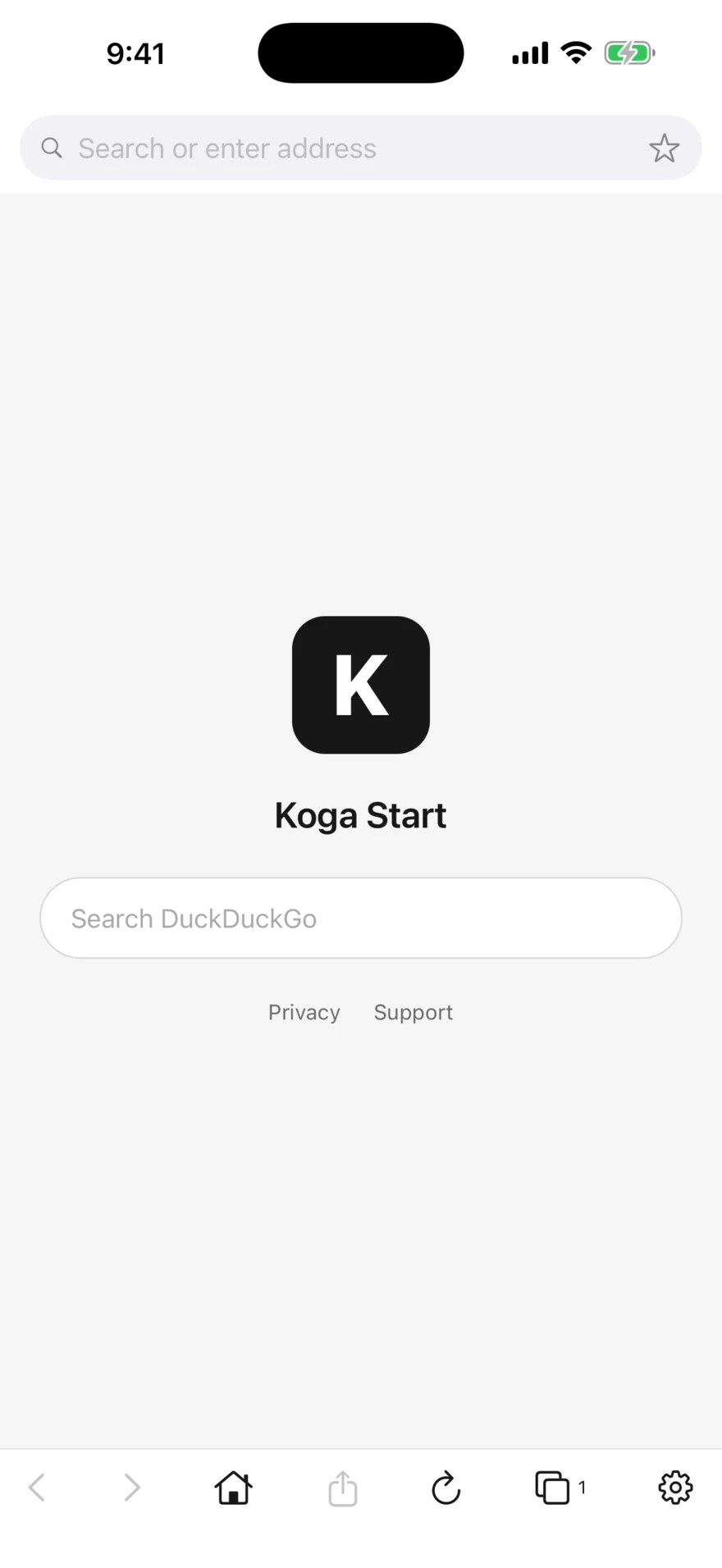
Move back and forward, return home, share, reload, open tabs, or adjust settings from the bottom toolbar.
Tabs + bookmarks
Organize pages without leaving the flow.
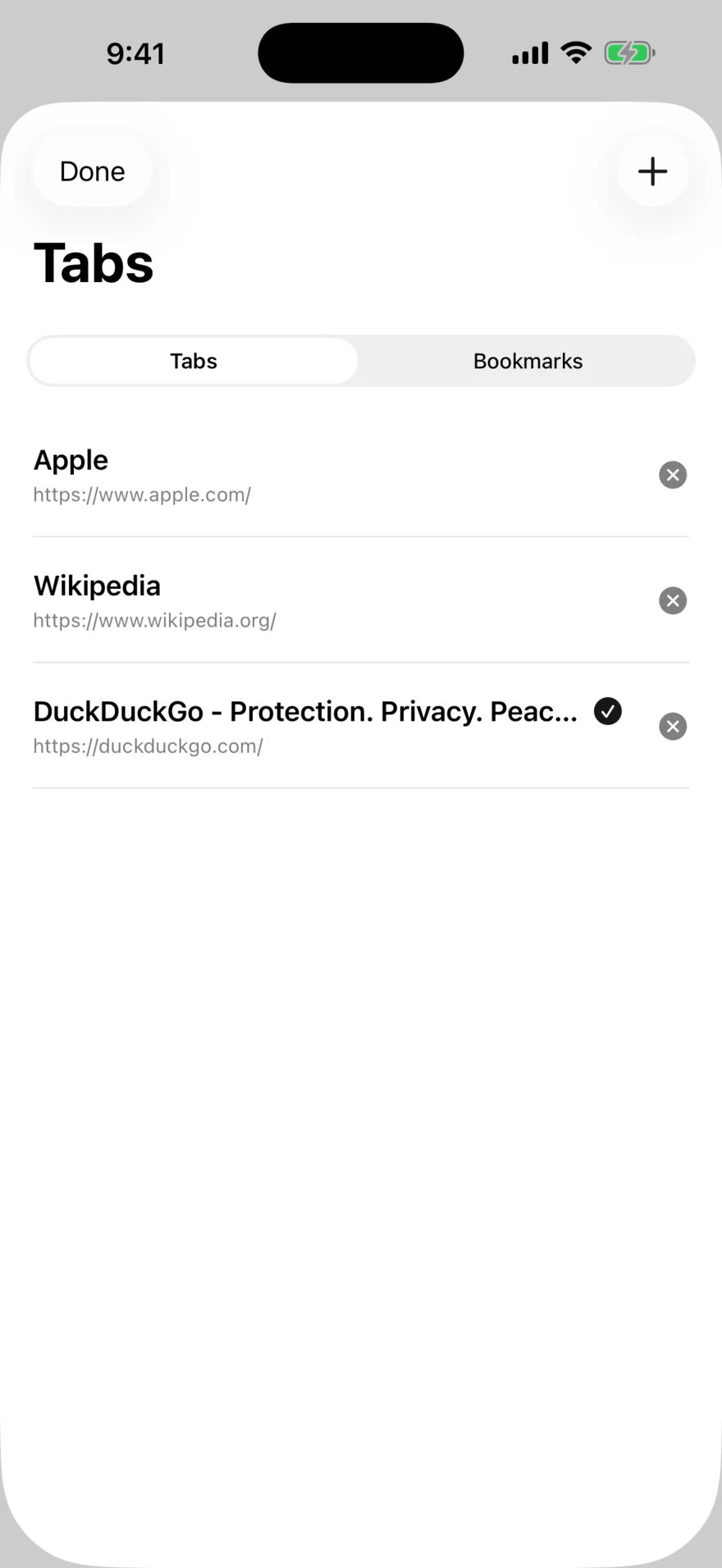
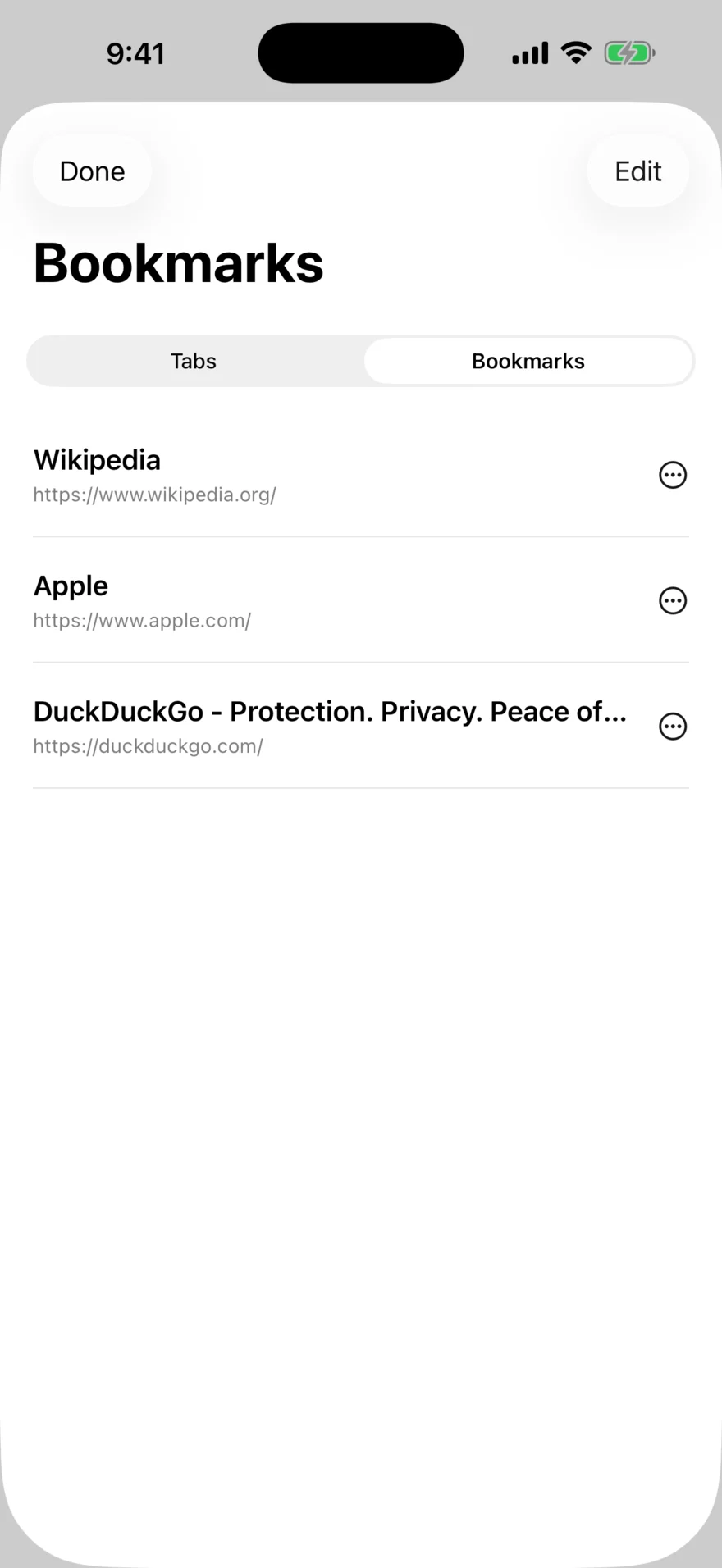
Switch between open pages, start a new tab, and keep favorite sites in the same focused sheet.
Make it yours
System, light, or dark.
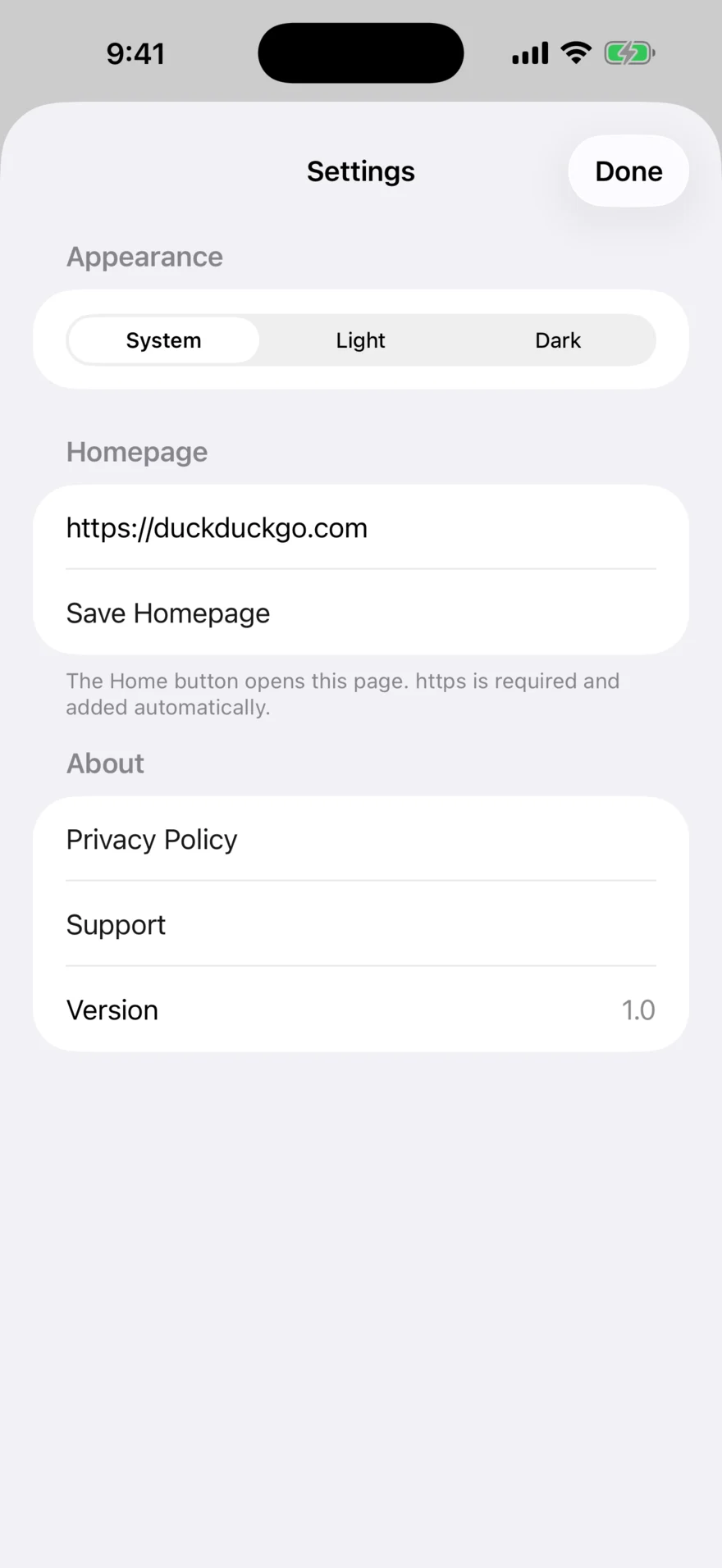
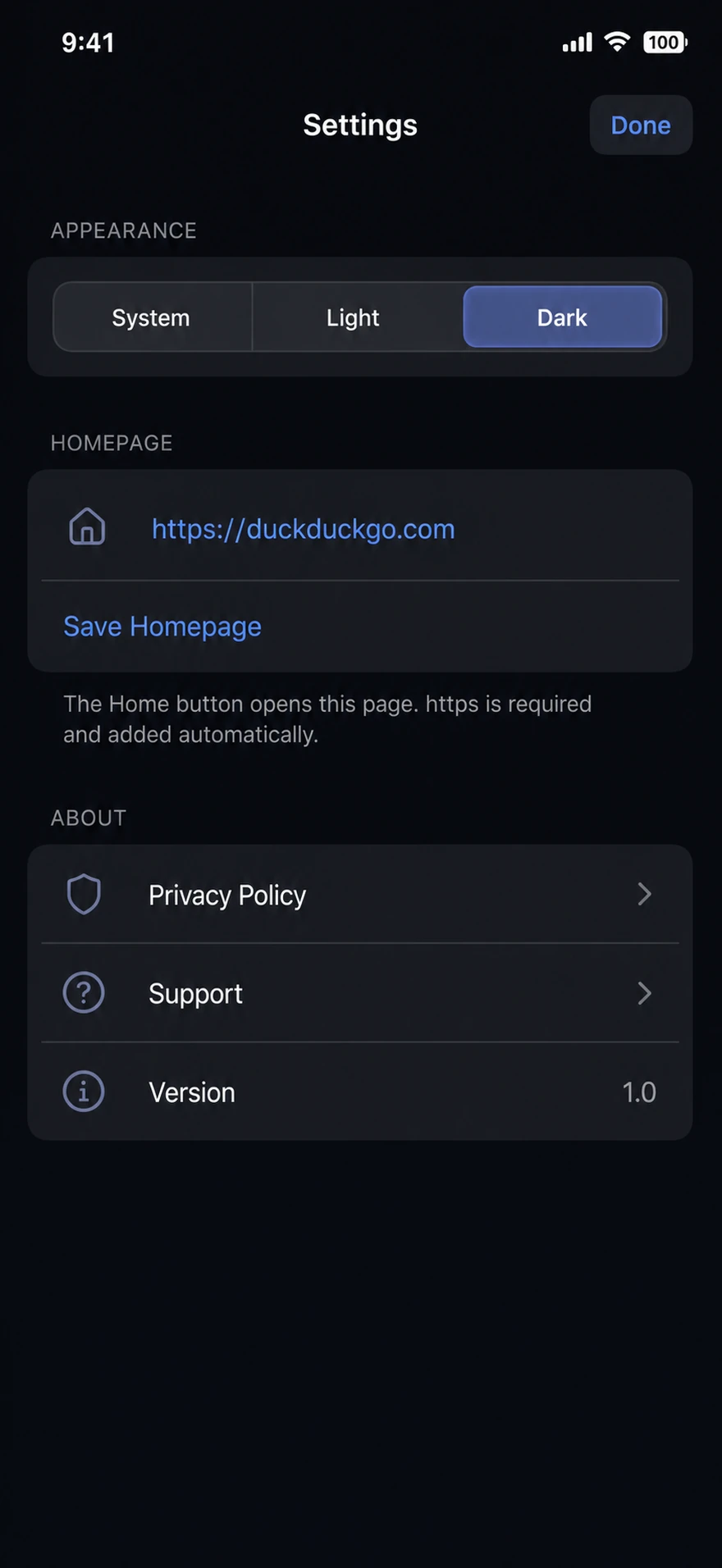
Choose an appearance, set the page opened by Home, and keep privacy and support close.
Real app screens
Koga in action.
The supplied iPhone captures are used directly; the website framing is decorative.

Questions
Questions.
Is the iPhone version the same as Android?
The goals are shared, but the interface and help pages are platform-specific. Koga for iPhone follows iOS controls and uses Apple’s web-view technology.
Where are the instructions?
See the dedicated Koga for iPhone help page. It is separate from the Android guide.
How is my privacy handled?
See the Koga for iPhone privacy page for details.
Where can I get support?
Visit the support page for how to reach Notavello and what to include in a bug report.