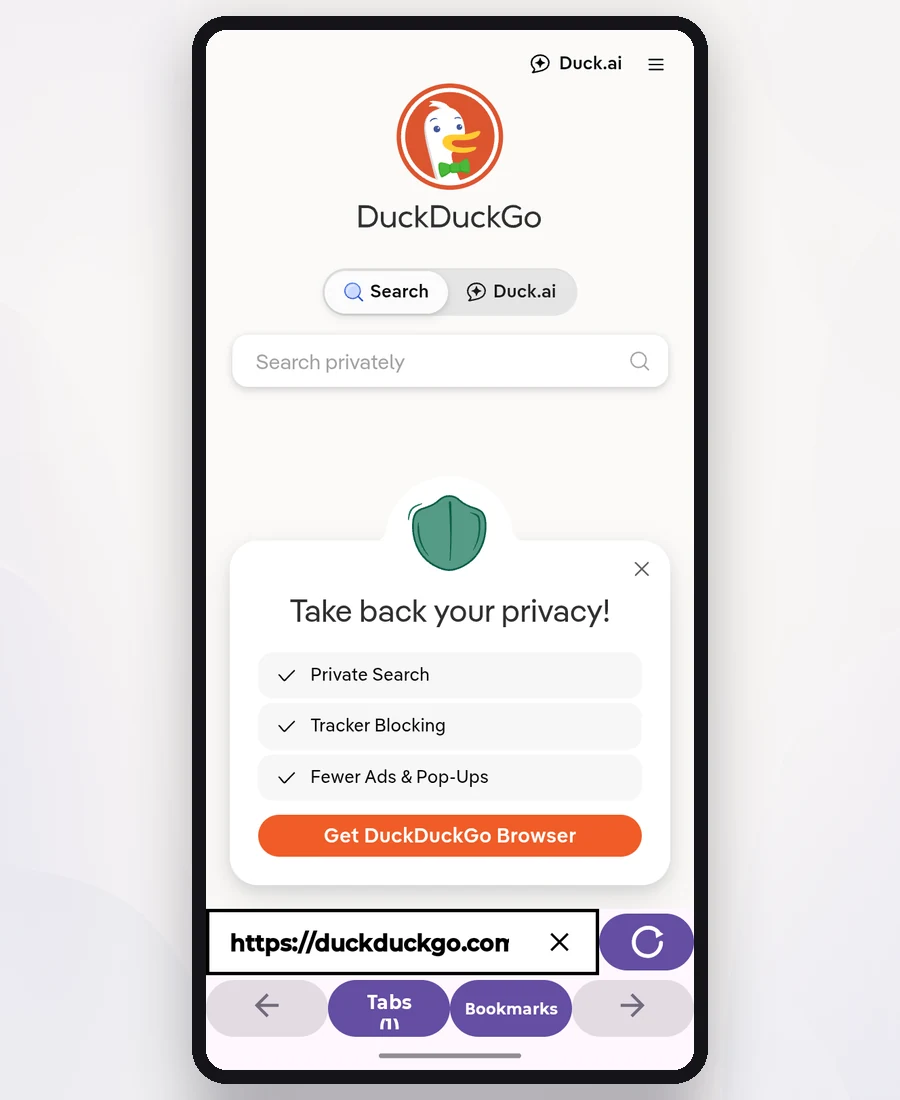
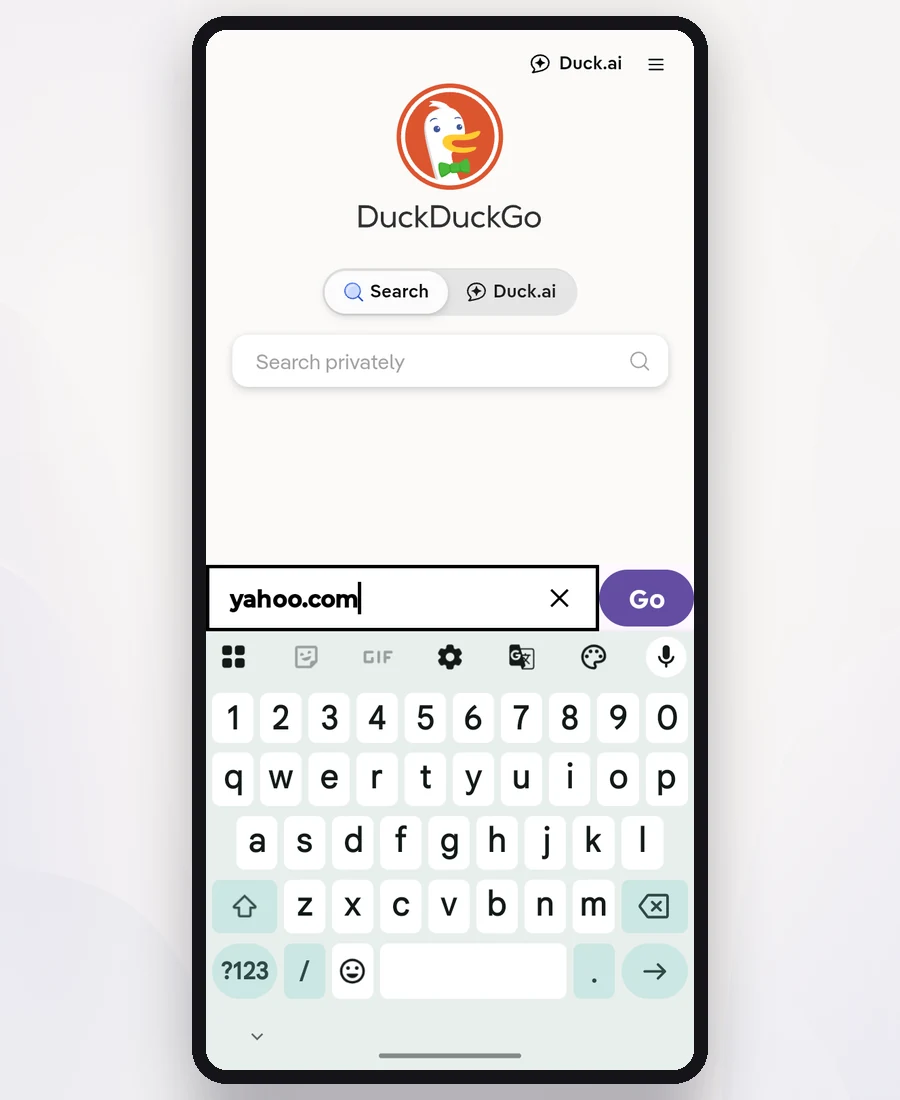
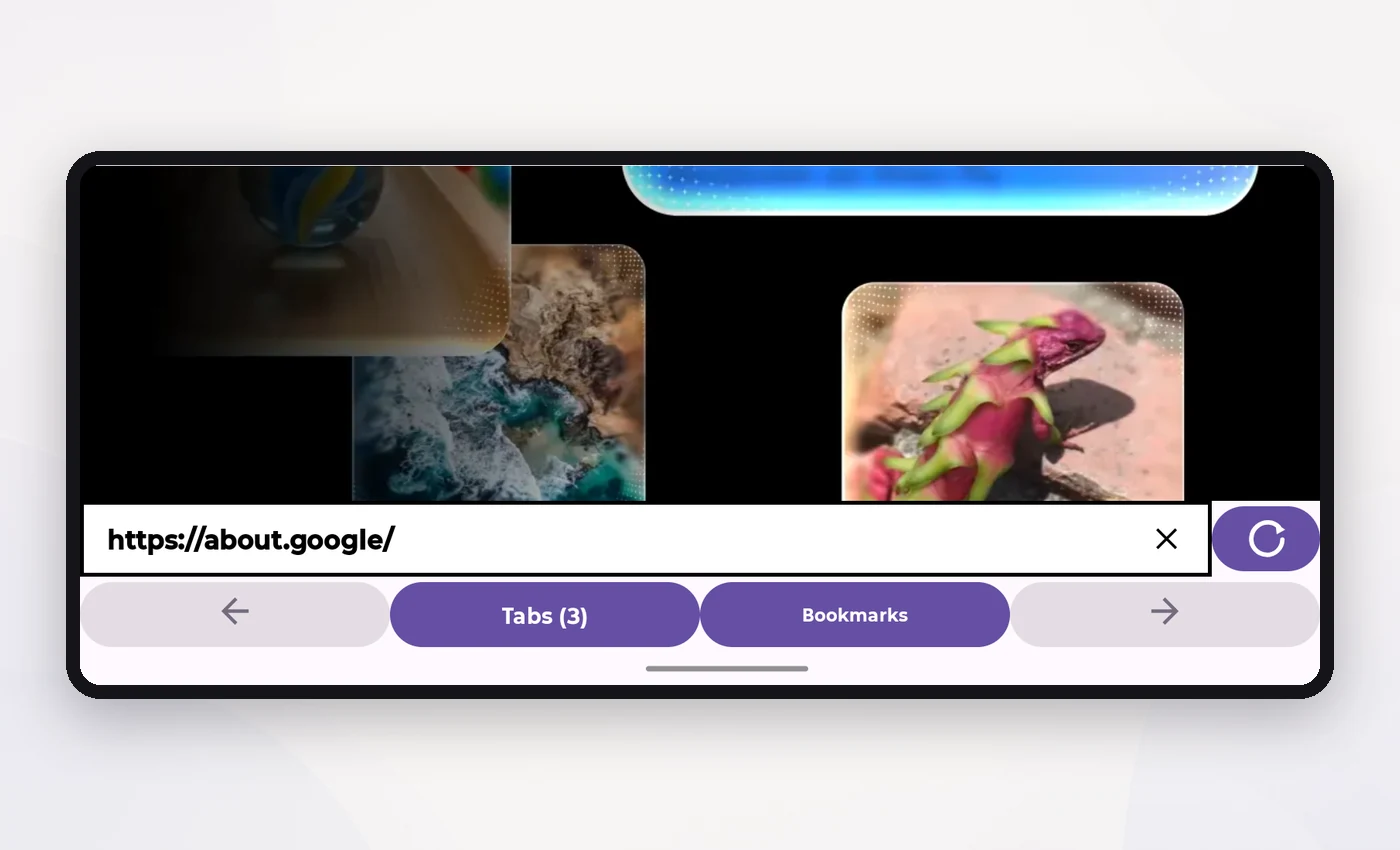
Compact interface
The address field and page controls stay together in one clear row, making everyday navigation easier.
 Koga
Koga
An Android browser from Notavello
This lightweight Android browser keeps tabs, bookmarks, downloads, uploads, and navigation controls easy to reach in a clean interface.
Koga 1.0.1 is now available on Google Play. Manual installation is also available.
Advanced option · Manual installation
This is an alternative installation method for users who cannot download Koga from Google Play. You may need to allow your browser to install unknown apps.
Download Koga APKVersion 1.0.1 (versionCode 2)
Fixed the Home button so Koga reliably opens the correct start page. Includes stability and compatibility checks.
SHA-256: E45D67C2C135C70E490E14A9102A229408EE4A07F200DFB90D2FF92D928888C7
Only download Koga from this official Notavello page or the official Notavello GitHub repository.
The essentials
The address field and page controls stay together in one clear row, making everyday navigation easier.
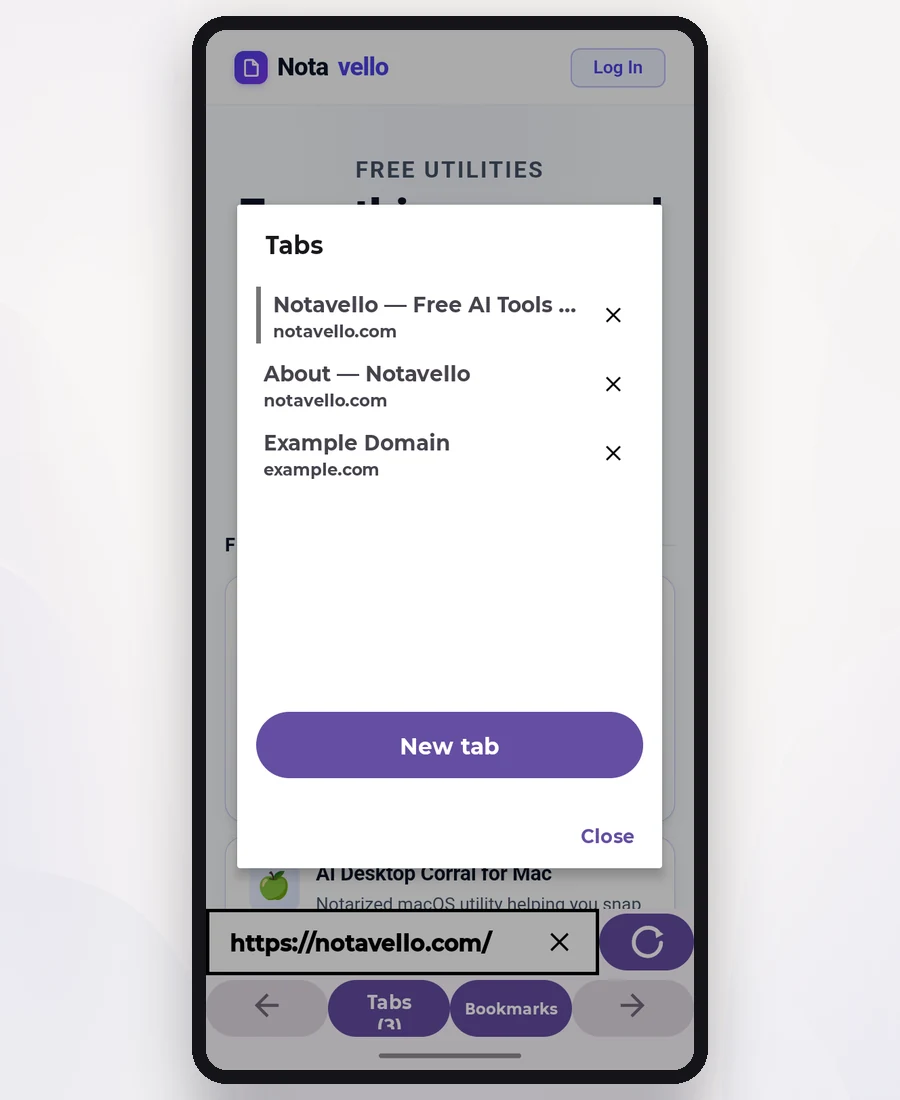
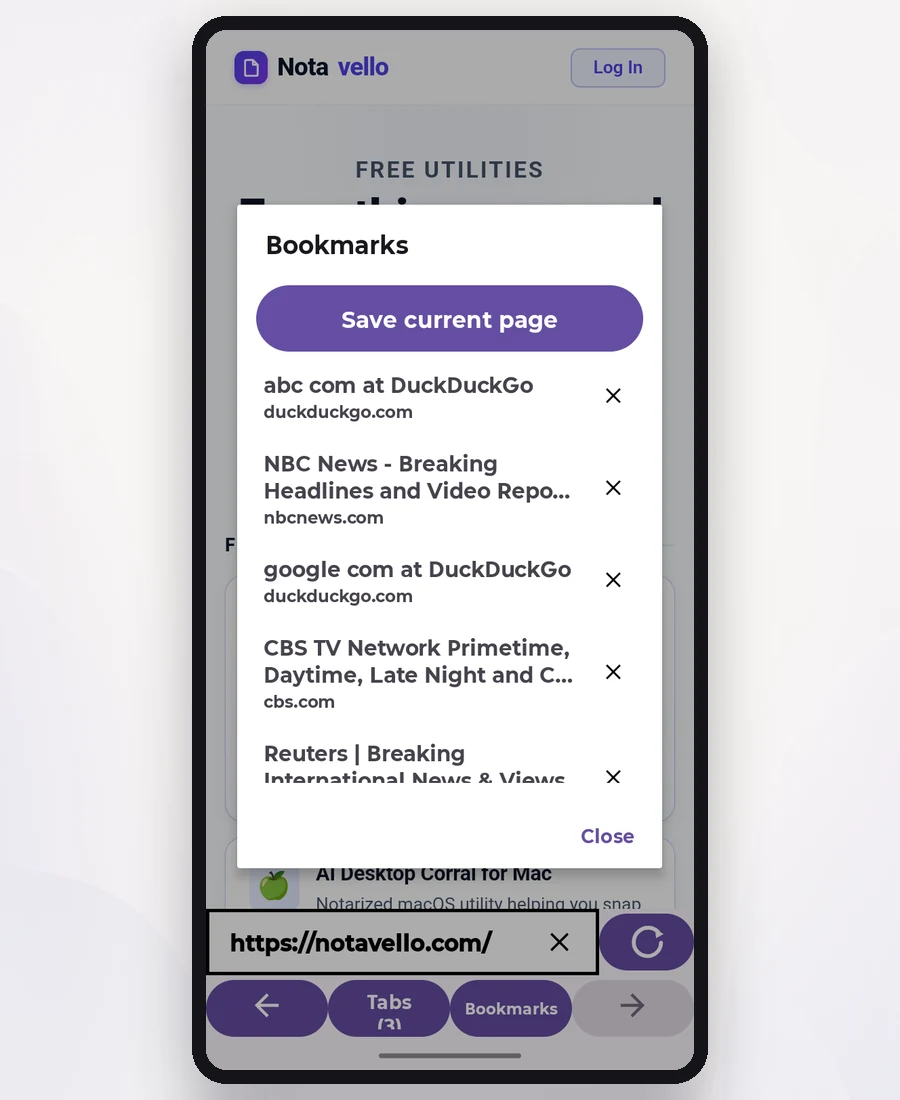
Keep pages organized and return quickly to the sites you use most.
Use webpage file uploads and download files directly to your device.
An easy browser experience designed for phones, with portrait and landscape support.
Follow your phone automatically, or choose the appearance that works best for you.
Choose the page that opens whenever you create a new tab.
Looking for a simple Android alternative to Chrome or Samsung Internet? Koga offers straightforward tabs, bookmarks, dark mode, and a customizable homepage.
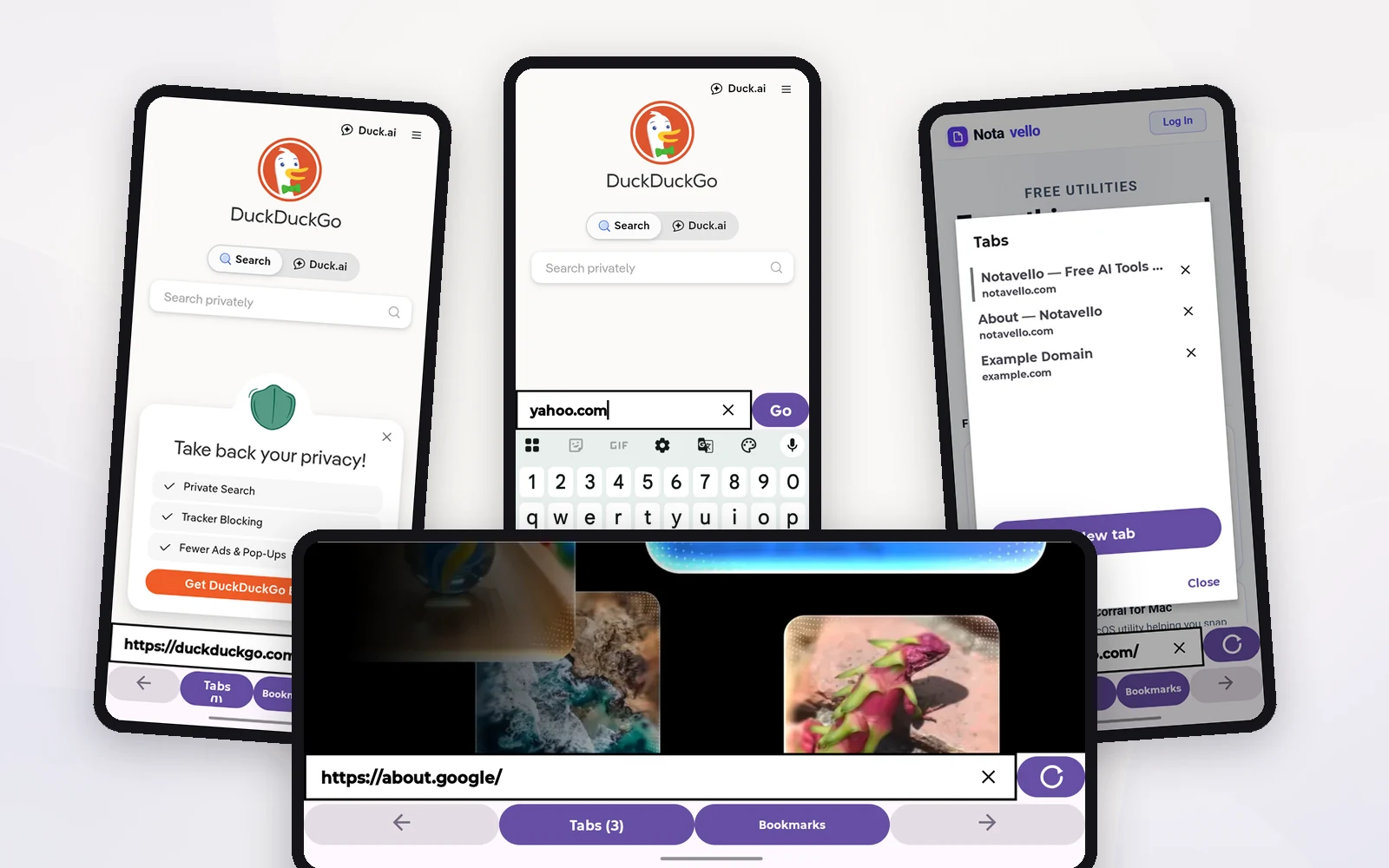
Preview
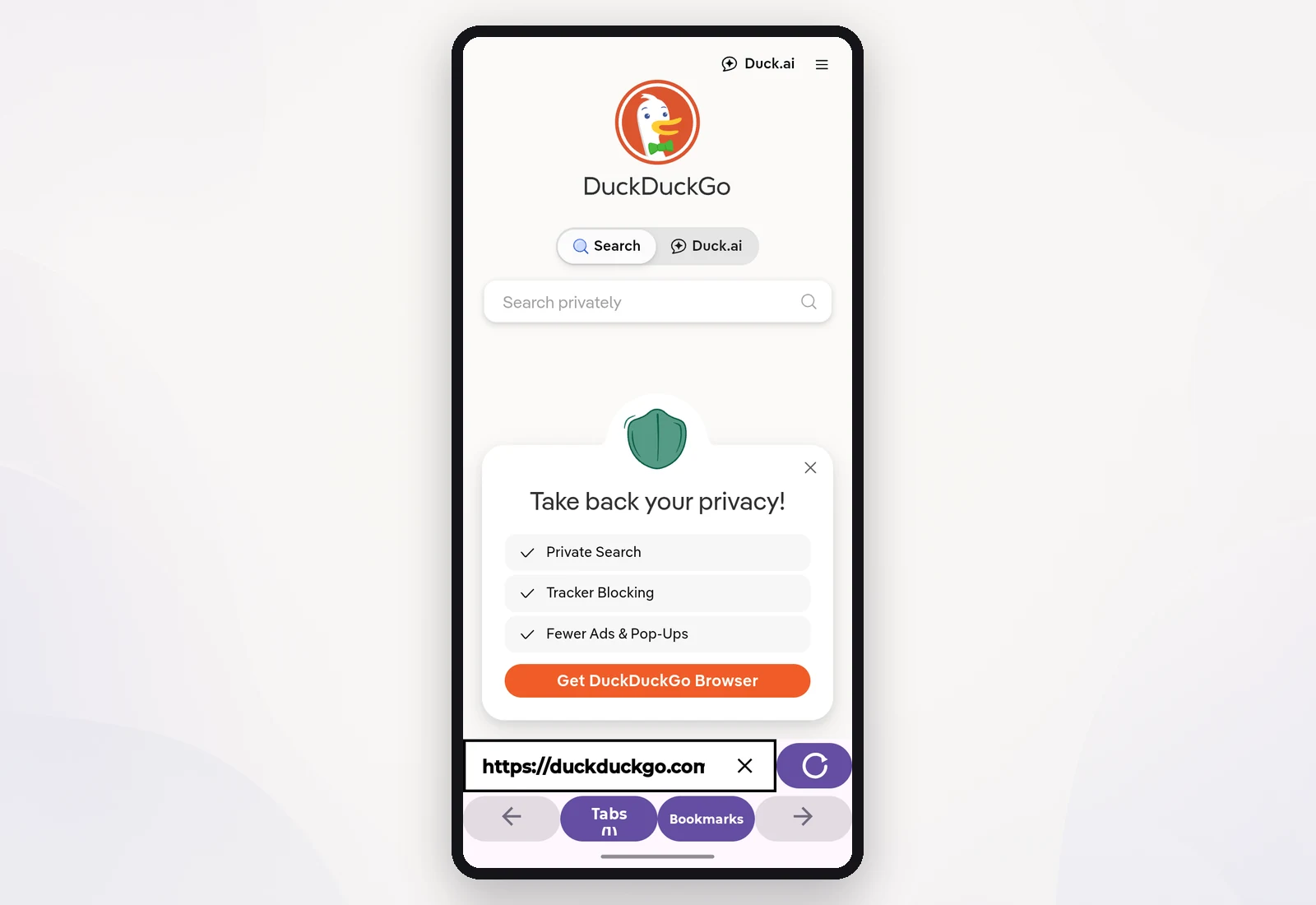
Real Koga screens showing the compact interface in portrait and landscape.