One-key screenshot to AI
Press Ctrl+Alt+X. AI Desktop Corral captures your work area and pastes it directly into your AI assistant. No extra steps.
Press Ctrl+Alt+X and AI Desktop Corral captures your work area and pastes it straight into ChatGPT, Claude, Copilot, or Gemini — no snipping tool, no switching windows, no manual paste. Just instant context for your AI.
Free Windows tray utility. Works with ChatGPT, Claude, Copilot, Gemini, Perplexity, and more.
Why it helps
Press Ctrl+Alt+X. AI Desktop Corral captures your work area and pastes it directly into your AI assistant. No extra steps.
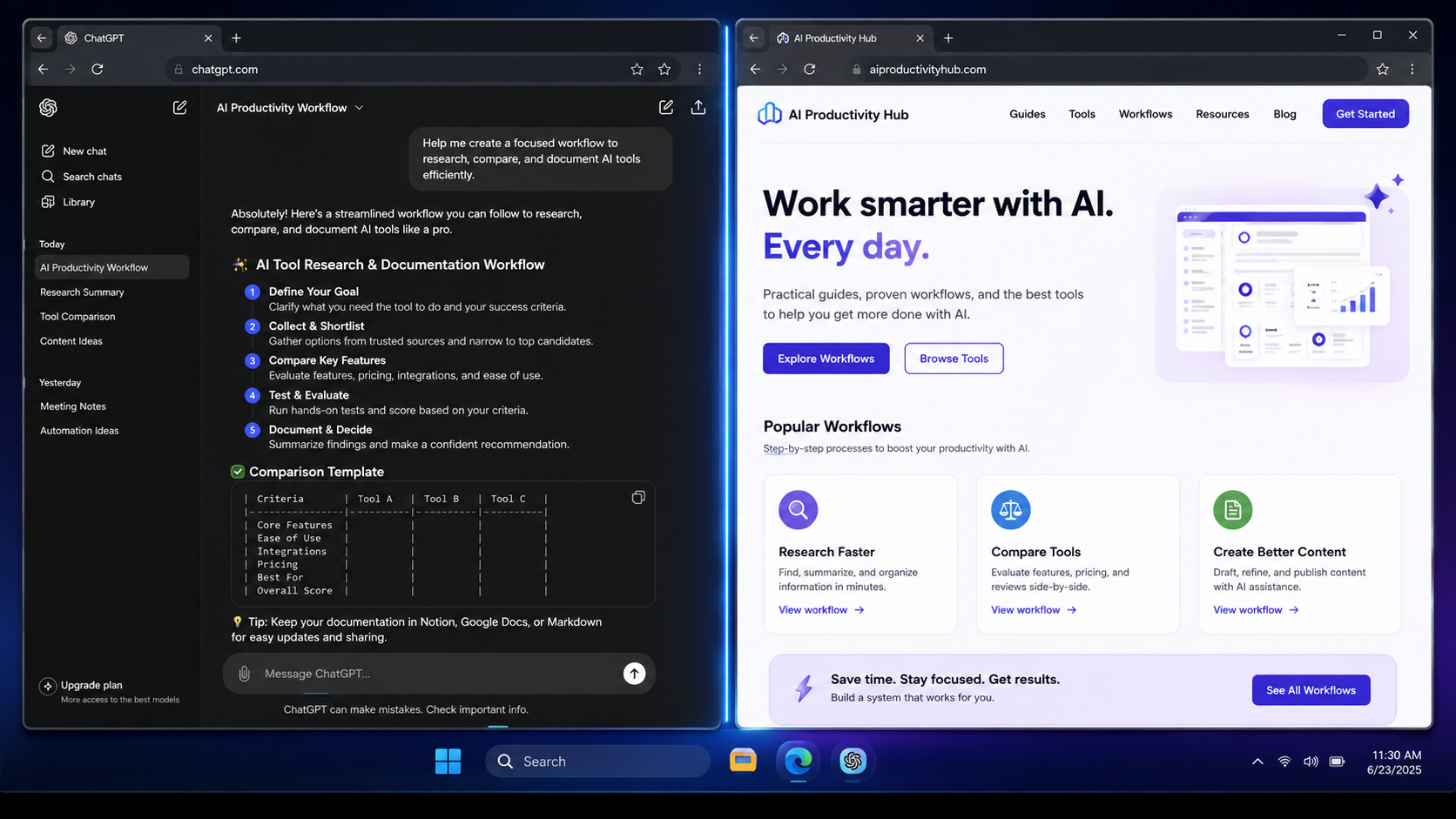
Your AI assistant stays on one side, your browser or doc on the other. The layout holds so you can focus on the work, not the windows.
Detects ChatGPT, Claude, Copilot, Gemini, Perplexity, Grok, Mistral, and Poe automatically. No configuration needed.
You find something. You switch to your AI window. You snip a screenshot. You paste it. You switch back. You do it again fifty times a day.
AI Desktop Corral eliminates that loop. Your work stays on the left, your AI stays on the right, and one keystroke sends a screenshot straight across. The AI sees exactly what you see, instantly.
Install it, launch it, and keep your desktop split into clean left and right zones. It is intentionally small because the point is to get out of the way.
Windows setup installer. Because this is a direct download, Windows may show a trust warning until the app is code-signed or distributed through a store.
Download installer →The installer is hosted on GitHub Releases so it stays outside the website deploy and avoids static-site file size limits.
Simple workflow